Docker installation guide

Docker installation guide
Follow this tutorial to set up Docker Compose, Docker Engine and containerd, on an Ubuntu system.
About docker
Docker is an open-source platform that enables developers to build, deploy, run, update and manage containers. Think of a shipping container. Before standardized containers, every ship had to be specially loaded for each cargo type — chaos. Standardized containers meant any cargo could go on any ship, to any port, with no changes. Docker does the same for software: any app, any machine, no changes.
 docker
In short: Compose tells Docker what to run → Docker Engine figures out how → containerd actually does it.
Setup
First, we need a machine to install it on. Since I use Proxmox, I will spin up a virtual machine for this.
If you dont have one follow this guide: How_to_setup_a_VM
Connect to the sever I use PuTTY but you can all so use the shell in promox
 docker
Begin by configuring Docker’s APT repository
1
2
3
4
5
6
7
8
9
10
11
12
13
14
15
16
17
18
# Add Docker's official GPG key:
sudo apt update
sudo apt install ca-certificates curl
sudo install -m 0755 -d /etc/apt/keyrings
sudo curl -fsSL https://download.docker.com/linux/ubuntu/gpg -o /etc/apt/keyrings/docker.asc
sudo chmod a+r /etc/apt/keyrings/docker.asc

# Add the repository to Apt sources:
sudo tee /etc/apt/sources.list.d/docker.sources <<EOF
Types: deb
URIs: https://download.docker.com/linux/ubuntu
Suites: $(. /etc/os-release && echo "${UBUNTU_CODENAME:-$VERSION_CODENAME}")
Components: stable
Architectures: $(dpkg --print-architecture)
Signed-By: /etc/apt/keyrings/docker.asc
EOF

sudo apt update
Then install the most recent version.
1
sudo apt-get install docker-ce docker-ce-cli containerd.io docker-buildx-plugin docker-compose-plugin
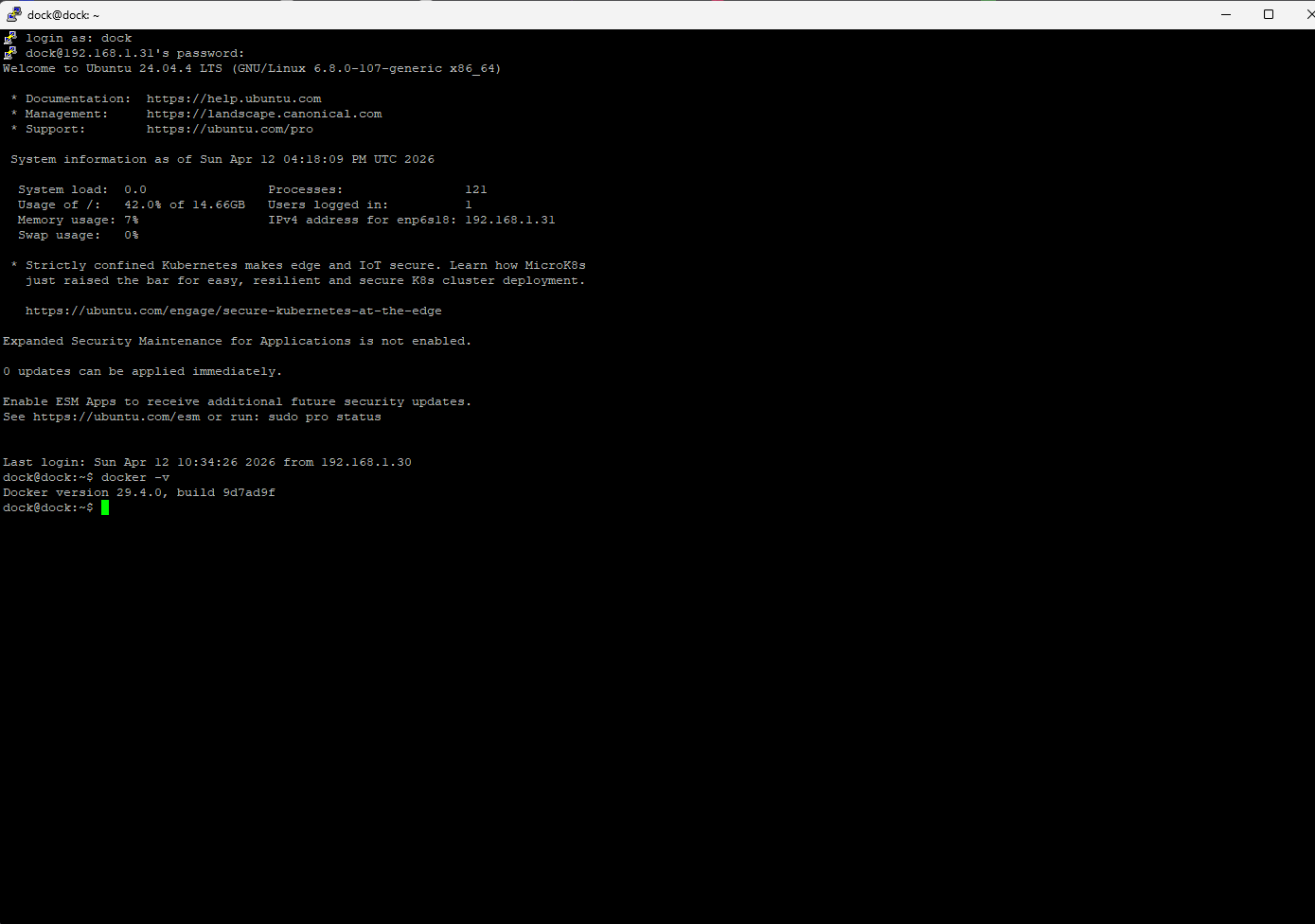
Check Installed version
1
docker -v
 docker
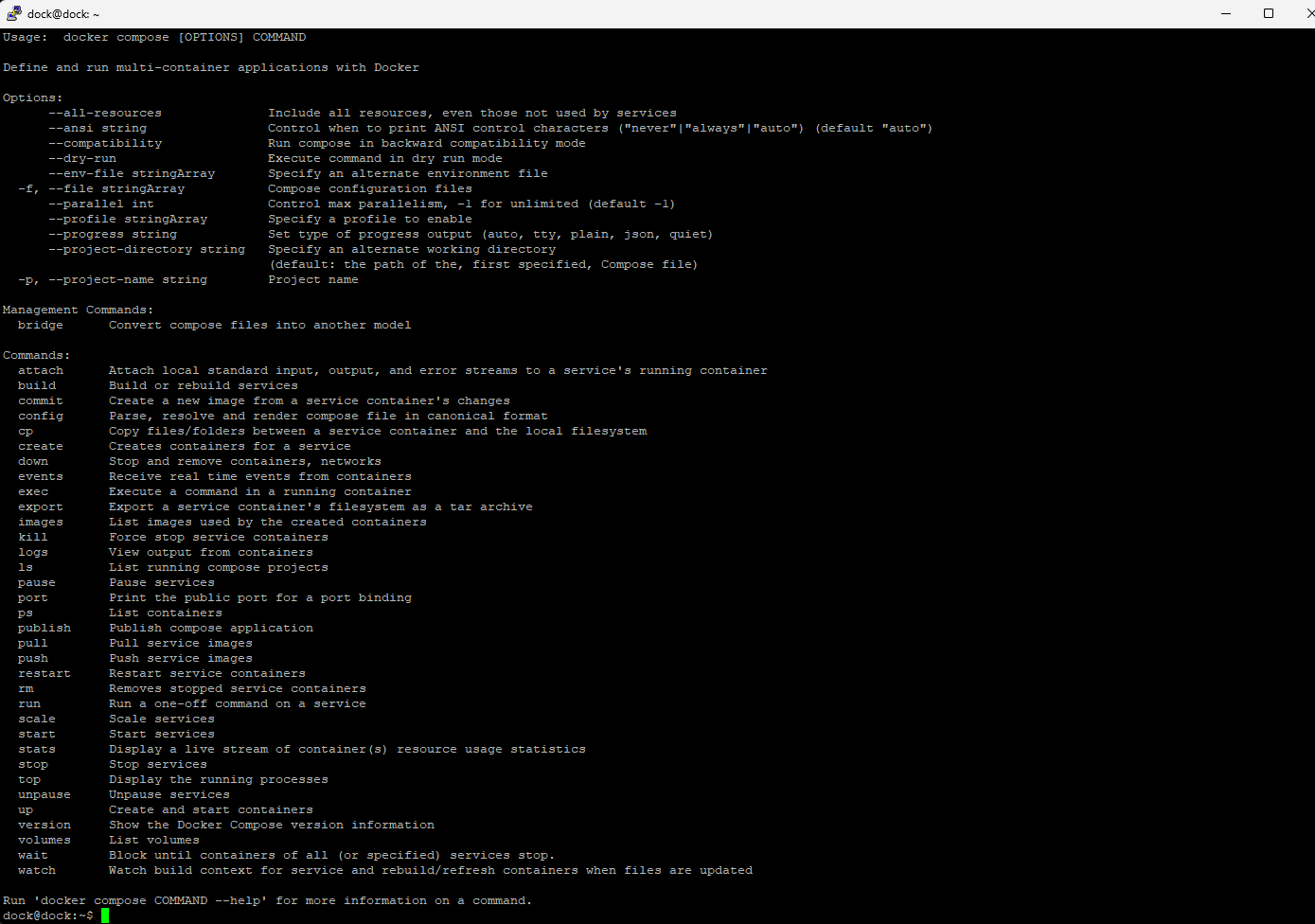
Check docker compose
1
docker compose
 docker
Check runtime
1
sudo docker run hello-world
 docker
Configure Docker to be used without sudo.
1
sudo usermod -aG docker $USER
To apply this, log out of your session and then log back in.
Nice! Docker is now installed on your system